
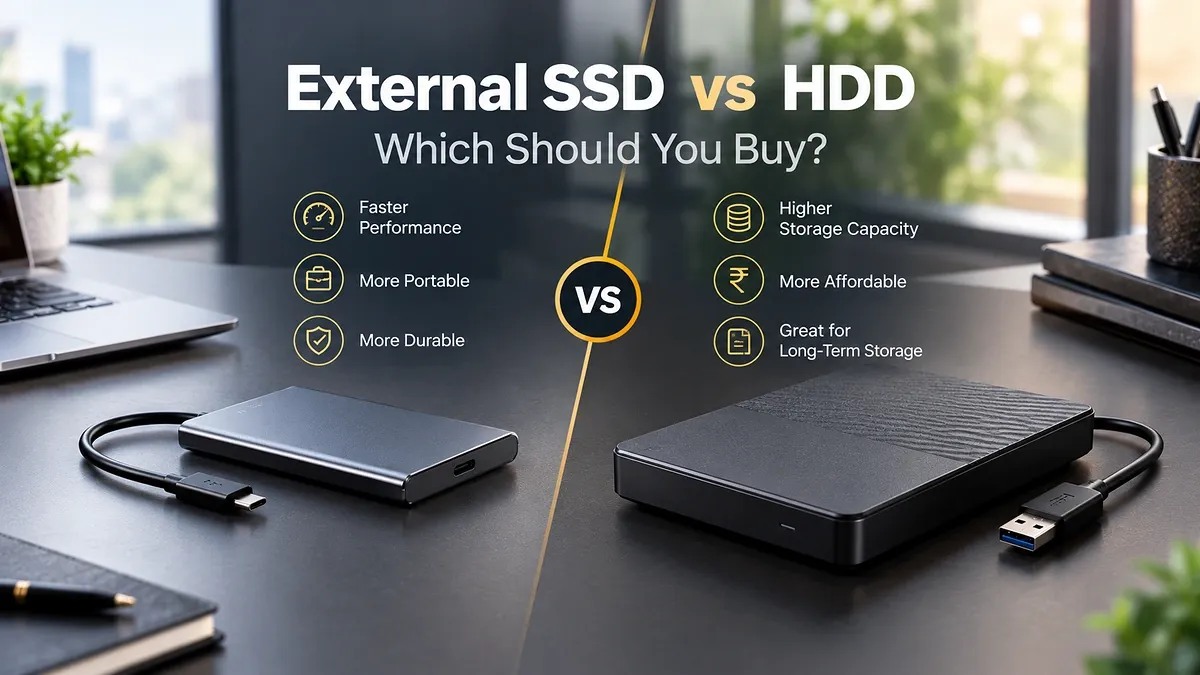
Need extra storage for photos, videos, work files or backups? An external SSD and an external hard drive can both do the job, but they suit different needs.
An SSD is generally faster and easier to carry around. An HDD can make more sense when you need lots of storage without spending as much.
Here’s how to choose between them.
What Is the Difference Between an External SSD and an HDD?
An external SSD stores data on flash memory and has no moving mechanical parts. An external HDD stores data on spinning magnetic disks and uses moving parts to read and write files.
That difference affects how the drives perform and how you might use them.
An SSD is usually the better fit when you regularly move large files, work directly from the drive or carry it between locations. An HDD can be a practical choice for storing a large collection of files that you don’t need to access constantly.
External SSD vs HDD: At a Glance
Feature | External SSD | External HDD |
File transfers | Generally faster | Generally slower |
Physical design | Often compact and lightweight | Can be larger, especially at higher capacities |
Moving parts | None | Yes |
Everyday portability | Usually more convenient | Depends on the drive |
Large storage needs | Available in high capacities, often at a higher cost | Often more storage for the money |
Best suited to | Frequent transfers, active projects and travel | Large file collections and routine backups |
These are general differences, not guarantees for every model. Actual speed depends on the drive, its connection and the device it’s connected to.
1. Speed: How Quickly Do You Need to Access Your Files?
If you regularly transfer large video files, photo libraries or work projects, an external SSD can save time.
SSDs can access data without waiting for mechanical parts to move. HDDs rely on spinning disks and moving read/write heads, which makes them slower for many everyday storage tasks.
But don’t choose an SSD based on its advertised speed alone. Your computer’s USB port, the cable and the drive itself all affect transfer speeds.
Choose an SSD if you frequently move large files or want quicker access to active projects.
Consider an HDD if you mostly store files and don’t mind waiting longer when transferring them.
2. Storage Capacity: How Much Space Do You Need?
Think about what you’re storing.
Documents and everyday files may not need much space. Photos, recorded videos, large projects and game libraries can fill a drive much faster.
External HDDs are often a cost-effective option when you need a large amount of storage. External SSDs also come in high capacities, but they generally cost more for the same amount of space. The difference depends on the models and prices available when you shop.
Before buying, estimate how much space you need now and allow for future files. Don’t pay for capacity you are unlikely to use, but avoid choosing a drive that will be full almost immediately.
3. Portability and Durability
If you carry your drive to work, classes or shoots, an external SSD is usually the more convenient option. Many models are small and light enough to slip into a bag or pocket.
SSDs also have no moving mechanical parts, which generally makes them better suited to handling everyday movement than HDDs. That does not mean an SSD is indestructible. Protection against drops, dust and water varies by model, so check the manufacturer’s specifications.
An external HDD can still work well for a drive that mostly stays on your desk. Just take care when moving or handling it, especially while it is operating.
4. Cost: Are You Paying for Speed You Don’t Need?
If your main goal is to keep a large collection of photos, videos or old files, an HDD may offer better value.
An SSD makes more sense when the time saved during transfers, the smaller form factor or the convenience of carrying it around matters to you.
Neither option is automatically the better buy. Compare the price at the capacity you actually need, and consider how often you’ll use the drive.
Which One Should You Buy?
Choose an external SSD if you:
- Transfer large files frequently.
- Work with photos, videos or active projects.
- Carry your storage drive between locations.
- Prefer a compact drive and quicker file access.
Choose an external HDD if you:
- Need plenty of space for a large file collection.
- Mainly store files that you access occasionally.
- Want to keep the cost down when buying higher storage capacity.
- Usually leave the drive connected at home or in the office.
One Important Thing About Backups
Whichever drive you choose, don’t keep your only copy of important files on it.
External drives can fail, get lost or be damaged. If the files matter, keep another copy on a separate drive or a suitable cloud backup service. An SSD is not a substitute for a backup plan, and neither is an HDD.
Insitelane Take
For everyday work, frequent transfers and carrying files around, an external SSD is usually the more convenient choice.
For storing a large amount of data at a lower cost, an external HDD may be the smarter option.
Start with how you’ll use the drive, how much space you need and what you want to spend. Then compare the actual models rather than assuming one type is always better.