
Disclosure: This post contains affiliate links. If you purchase through our links, we may earn a small commission at no extra cost to you.
A Wi-Fi router affects how your home devices connect to the internet, but choosing one is not as simple as picking the highest speed number on the box. Your broadband plan, connected devices, Ethernet ports and the features you actually need all matter.
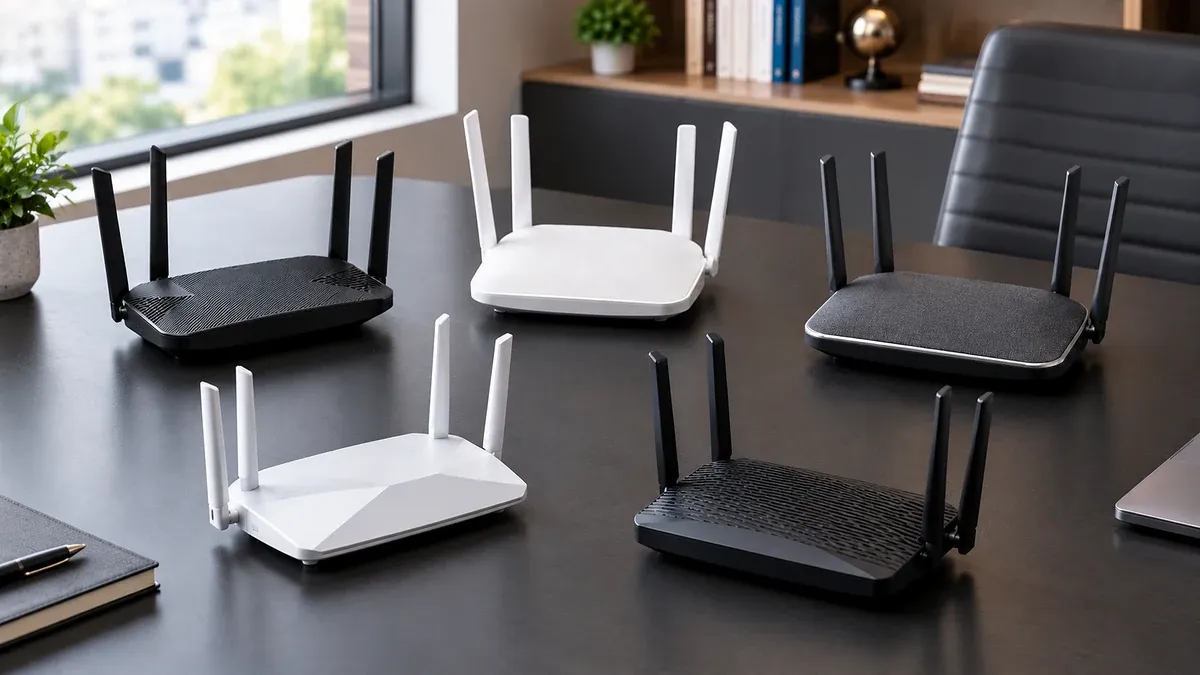
For this guide, we have shortlisted four TP-Link routers across two categories: budget and balanced mid-range. The recommendations focus on the differences that matter when choosing a router, rather than simply ranking models by their advertised speed.
What to Look for in a Wi-Fi Router
Before choosing a router, check these five things.
1. Wi-Fi standard
Wi-Fi 5 (802.11ac) remains suitable for many everyday home setups. Wi-Fi 6 (802.11ax) adds newer networking features that can help compatible devices share network capacity more efficiently.
2. Dual-band connectivity
A dual-band router supports both 2.4 GHz and 5 GHz Wi-Fi. The two bands have different strengths, and having both gives you more flexibility when connecting devices.
3. Advertised wireless speed
Router classes such as AC750, AC1200 and AX1500 refer to theoretical combined wireless speeds across their bands. They are not guarantees of the internet speed you will receive. Actual performance depends on your broadband connection, connected devices, interference and router placement.
4. Ethernet ports
Check both the number and speed of the wired ports. A router with Gigabit Ethernet is a better fit for broadband connections and local wired networking that can benefit from speeds above 100 Mbps.
5. Features and operating modes
MU-MIMO, OFDMA, beamforming, parental controls, guest networks and different operating modes serve different purposes. Choose according to your needs, and check that the exact router version supports the features you want.
Budget Wi-Fi Routers
These two Wi-Fi 5 routers offer dual-band connectivity for everyday home use. The Archer C50 is our first choice for its higher advertised wireless speed and additional listed features, while the Archer C20 offers three operating modes.
TP-Link Archer C50 AC1200 – Editor’s Pick
The TP-Link Archer C50 is our budget Editor’s Pick because it offers AC1200 dual-band Wi-Fi, four external antennas and additional features such as IPTV and VPN support in the supplied specifications.
Key Specifications
- Wi-Fi standard: Wi-Fi 5 (802.11ac)
- Wireless speed: 867 Mbps on 5 GHz + 300 Mbps on 2.4 GHz, rated AC1200
- Bands: Dual-band, 2.4 GHz and 5 GHz
- Antennas: 4 external antennas
- Ethernet ports: 4 × 10/100 Mbps LAN + 1 × 10/100 Mbps WAN
- USB port: None
- MU-MIMO: Yes
- Beamforming: Yes
- Operating modes: Router and Access Point
- Additional features: IPTV support, guest network, parental controls and VPN support
- Setup: TP-Link Tether app
- Warranty: 3 years
TP-Link Archer C20 AC750 – Runner-up
The TP-Link Archer C20 is another dual-band Wi-Fi 5 option. Its standout distinction is its support for three operating modes: Router, Access Point and Range Extender.
It has a lower advertised wireless speed than the Archer C50, but the additional Range Extender mode may be useful for buyers who specifically need that flexibility.
Key Specifications
- Wi-Fi standard: Wi-Fi 5 (802.11ac)
- Wireless speed: 433 Mbps on 5 GHz + 300 Mbps on 2.4 GHz, rated AC750
- Bands: Dual-band, 2.4 GHz and 5 GHz
- Antennas: 3 external antennas
- Ethernet ports: 4 × 10/100 Mbps LAN + 1 × 10/100 Mbps WAN
- MU-MIMO: No
- Beamforming: No
- Operating modes: Router, Access Point and Range Extender
- Additional features: Guest network and parental controls
- Setup: TP-Link Tether app
Balanced / Mid-Range Wi-Fi Routers
If you want more capable wired connections or newer wireless technology, the mid-range category offers two different choices. The Archer AX12 brings Wi-Fi 6, while the Archer C6 combines Wi-Fi 5 with Gigabit Ethernet and useful wireless features.
TP-Link Archer AX12 AX1500 Wi-Fi 6 Router – Editor’s Pick
The TP-Link Archer AX12 is our mid-range Editor’s Pick for buyers who want to move to Wi-Fi 6. It combines the newer wireless standard with Gigabit Ethernet ports, WPA3 security and features designed to help compatible devices share network capacity.
Key Specifications
- Wi-Fi standard: Wi-Fi 6 (802.11ax)
- Wireless speed: 1,201 Mbps on 5 GHz + 300 Mbps on 2.4 GHz, rated AX1500
- Bands: Dual-band, 2.4 GHz and 5 GHz
- Antennas: 4 external antennas
- Ethernet ports: 4 Gigabit ports, comprising 1 WAN and 3 LAN
- MU-MIMO: Yes
- OFDMA: Yes
- Beamforming: Yes
- Security: WPA3
- Operating modes: Router and Access Point
- Additional features: Guest network, parental controls, QoS, VPN server and IPTV support
- Mesh compatibility: EasyMesh / OneMesh compatibility, as provided in the shortlist
- Setup: TP-Link Tether app
- Warranty: 3 years, as provided by the manufacturer in the shortlist
Why we picked it?
The Archer AX12 offers a clear change in wireless technology compared with the Wi-Fi 5 routers in this guide. Wi-Fi 6 features such as OFDMA and MU-MIMO are designed to improve how compatible devices share network resources. Its Gigabit Ethernet ports are also useful for faster wired connections.
Who should consider it?
Choose the Archer AX12 if your devices support Wi-Fi 6, you need Gigabit wired connectivity and you want newer wireless networking features.
Remember that a Wi-Fi 6 router does not automatically make every device faster. Your devices must support the relevant features, and real-world performance also depends on your internet connection and home environment.
TP-Link Archer C6 AC1200 Gigabit Router – Runner-up
The TP-Link Archer C6 is the alternative for buyers who want Gigabit Ethernet, MU-MIMO and beamforming but do not specifically need Wi-Fi 6.
It retains the Wi-Fi 5 standard, so its appeal lies in the combination of wired connectivity and wireless features rather than a newer Wi-Fi generation.
Key Specifications
- Wi-Fi standard: Wi-Fi 5 (802.11ac)
- Wireless speed: 867 Mbps on 5 GHz + 400 Mbps on 2.4 GHz, rated AC1200
- Bands: Dual-band, 2.4 GHz and 5 GHz
- Antennas: 4 external antennas
- Ethernet ports: 5 Gigabit ports, comprising 1 WAN and 4 LAN
- MU-MIMO: Yes
- Beamforming: Yes
- Operating modes: Router and Access Point
- Additional features: Guest network, parental controls and app-based setup through TP-Link Tether
Why it is the runner-up?
The Archer C6 provides four Gigabit LAN ports, compared with three on the Archer AX12. That can be useful if you plan to connect several devices directly to the router through Ethernet.
It is a sensible alternative if Wi-Fi 5 meets your needs and you prefer to focus on wired connectivity rather than moving to Wi-Fi 6.
Quick Comparison
Key Feature | Archer C50 | Archer C20 | Archer AX12 | Archer C6 |
Category | Budget | Budget | Balanced / Mid-Range | Balanced / Mid-Range |
Wi-Fi standard | Wi-Fi 5 | Wi-Fi 5 | Wi-Fi 6 | Wi-Fi 5 |
Wireless class | AC1200 | AC750 | AX1500 | AC1200 |
Advertised 5 GHz speed | 867 Mbps | 433 Mbps | 1,201 Mbps | 867 Mbps |
Advertised 2.4 GHz speed | 300 Mbps | 300 Mbps | 300 Mbps | 400 Mbps |
Antennas | 4 external | 3 external | 4 external | 4 external |
Ethernet ports | 10/100 Mbps | 10/100 Mbps | Gigabit | Gigabit |
MU-MIMO | Yes | No | Yes | Yes |
Beamforming | Yes | No | Yes | Yes |
Distinguishing feature | IPTV and VPN support | Range Extender mode | Wi-Fi 6 and OFDMA | Four Gigabit LAN ports |
Operating modes | Router / AP | Router / AP / Range Extender | Router / AP | Router / AP |
Wireless speed figures are advertised theoretical rates, not guaranteed internet speeds. Feature availability can vary by hardware version; check the exact model before buying.
Which Wi-Fi Router Should You Buy?
Choose the TP-Link Archer C50 if you want a budget dual-band router with a higher advertised wireless speed than the C20 and the additional listed IPTV and VPN features.
Choose the TP-Link Archer C20 if you need a basic dual-band router and value its Router, Access Point and Range Extender modes.
Choose the TP-Link Archer AX12 if your devices support Wi-Fi 6 and you want newer wireless networking features alongside Gigabit Ethernet.
Choose the TP-Link Archer C6 if Wi-Fi 5 is sufficient for your setup and you want four Gigabit LAN ports, MU-MIMO and beamforming.
Final Word
The right router depends on your broadband plan, connected devices and the type of wired or wireless connections you need. A higher wireless speed rating alone does not guarantee better coverage or faster internet throughout your home.
Check the ports, Wi-Fi standard and features that matter for your setup before making a decision. The best router is the one that meets your actual networking needs without making you pay for features you will not use.