
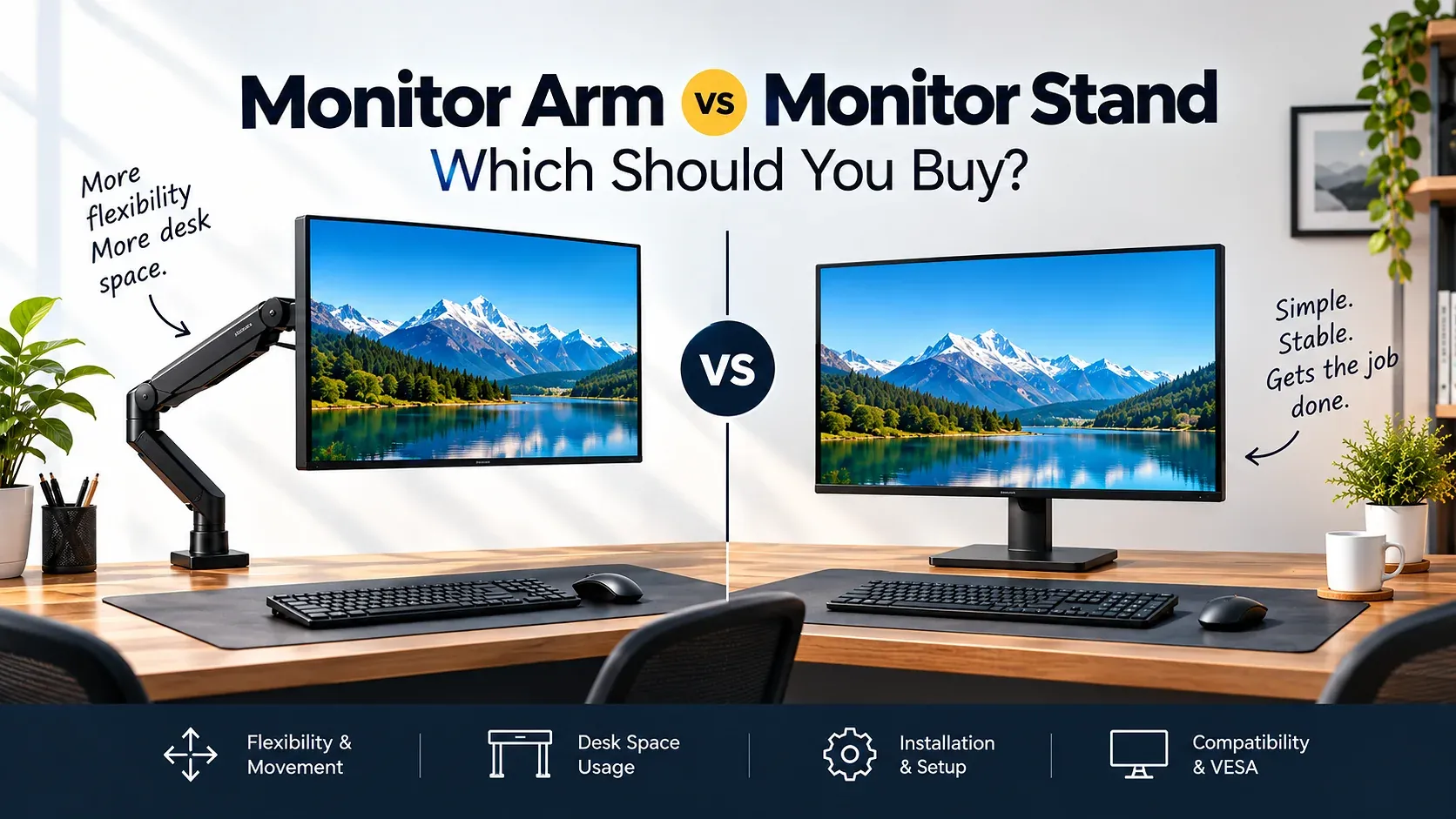
A monitor arm can completely change how your desk is arranged. But that doesn’t mean everyone needs one.
A regular monitor stand may already do everything you need.
The real question is simple:
Do you need more freedom to move your monitor, or is the position already fine?
Let’s compare the two.
What Is a Monitor Stand?
A monitor stand supports the screen on a base that sits directly on your desk.
Depending on the model, it may offer height, tilt or swivel adjustment. The setup is simple because there is no desk clamp or grommet to install.
A stand also makes it easy to move the monitor to another part of the desk or another workspace.
For someone who has already found a comfortable monitor position and rarely changes it, that simplicity can be enough.
What Is a Monitor Arm?
A monitor arm attaches the display to the desk rather than supporting it with a base on the tabletop.
It normally uses a VESA mounting interface and attaches to the desk with a clamp or grommet. Once installed, the monitor can be moved through the arm’s available range.
That can include changes in height, depth, tilt, swivel and, on suitable designs, rotation.
The main advantage is flexibility.
Monitor Arm vs Monitor Stand
Features | Monitor Arm | Monitor Stand |
Installation | Desk-mounted | Sits on the desk |
Monitor movement | Usually much greater | Depends on stand |
Desk space | Frees the area under the monitor | Uses space for the base |
Position changes | Easier during use | Usually more limited |
Repositioning the whole setup | Requires moving the mount | Generally easier |
VESA compatability | Usually required | Depends on the stand |
Desk modification | May need a clamp or grommet | None |
Best for | flexible, adjustable setups | Simple, fixed setups |
The exact movement available depends on the individual arm or stand, so check the product specifications rather than assuming every model offers the same adjustments.
When Is a Monitor Stand Enough?
You probably don’t need a monitor arm when your current setup already works.
A standard stand makes sense when:
- Your monitor is already at a comfortable height
- You mainly use one viewing position
- You don’t need to pull the screen closer or push it farther away
- You have enough desk space for the stand
- You want the simplest setup possible
There’s no reason to replace a perfectly usable stand just because monitor arms are popular.
When Is a Monitor Arm Worth It?
An arm becomes more useful when you regularly want to change your monitor’s position.
For example, you may want to:
Raise the monitor
Useful when your current stand doesn’t give you enough height adjustment.
Pull it closer or push it back
An articulated arm can change the screen’s distance from you.
Move it sideways
This can help when you need to change the screen’s position on a shared or flexible desk.
Free up desk space
Because the monitor is suspended above the desk, the stand base no longer occupies the same area of the work surface.
Change viewing positions
This is particularly useful when the monitor is used by more than one person or the desk is used for different tasks.
What About Stability?
A monitor stand has one obvious advantage: it needs no desk mounting hardware.
You place it on the desk and connect the monitor.
With a monitor arm, the installation becomes part of the equation. The arm has to be properly attached to the desk, and the desk itself must be suitable for the mounting method.
That doesn’t make an arm less stable by definition. It means there is more to check before installation.
The arm, mounting method and desk all need to be compatible.
What About VESA?
This is an important difference when moving from a normal monitor stand to an arm.
Most monitor arms use a VESA mounting interface. Your monitor therefore needs a compatible mounting pattern, or a suitable adapter if the manufacturer provides one.
Some monitors use fixed or proprietary stands instead of a directly removable VESA connection, so check the monitor before buying the arm.
What About Desk Space?
This is one of the strongest practical reasons to choose an arm.
A conventional stand needs a base on the desk. A monitor arm moves that support to the desk’s mounting point, leaving the area directly underneath the display available for other things.
But don’t assume this automatically means a huge increase in usable space.
The size and position of the arm’s clamp or grommet still matter, especially on a smaller desk.
Which One Should You Buy?
Choose a monitor stand when your monitor already sits where you want it and you don’t need much movement.
Choose a monitor arm when you want more control over the screen’s position, need to free up desk space, or regularly change your setup.
You also need to check the basics before choosing an arm:
Monitor compatibility
VESA pattern or supported adapter.
Monitor weight
The display must fall within the arm’s specified weight range.
Desk compatibility
The desk must work with the chosen mounting method.
Range of movement
Make sure the arm can actually reach the positions you want.
Insitelane Take
A monitor arm isn’t an automatic upgrade.
If your current stand already gives you the height and position you need, keep it.
Buy an arm when you have a specific problem you want it to solve: more movement, more flexibility or more usable desk space.
That’s a better reason to upgrade than simply wanting a cleaner-looking setup.